
The Consultant's Email Signature: Credibility in Every Reply
As a consultant you ARE the brand, and your signature is the closest thing to a business card most prospects will see. It has one job: make you look established and make the next step obvious. Here's how to build one and get it into Apple Mail properly.
Step by step
Lead with your name and what you do
Not just “Consultant” — the specific outcome you deliver: “Growth Consultant · SaaS pricing & retention.” A prospect should know in one line whether you solve their problem.
Add a headshot
Solo professionals convert on trust, and a face builds it faster than a logo. Use a clean head-and-shoulders shot; Autograph's crop editor bakes it into a circle that renders even in Outlook — not a broken attachment.
Include one credential that matters
A former employer (“ex-McKinsey”), a number (“$40M in client revenue influenced”), or a certification — one line of proof, not a résumé. Credibility, not clutter.
Or skip the manual setup
Autograph designs the signature on your Mac and installs it into Apple Mail in one click — images hosted at permanent URLs, assigned to the right account, and re-applied automatically when a macOS update or iCloud sync wipes it.
Download freeUnlock Pro — one-time, no subscriptionMake the booking link the hero
The single most valuable element: a “Book a call” button linking to Calendly/Cal.com. Consulting runs on booked conversations — remove every step between an interested reply and your calendar.
Keep contact methods tappable
Phone as a tel: link, email as mailto:, LinkedIn and website linked. Most prospects read on a phone; make every detail one tap.
Install it into Apple Mail in one click
Pick a clean template, add your photo, one-line positioning, credential, and booking link, then click Install in Apple Mail — no HTML, no pasting (the manual route is fragile).
Put it on your iPhone too
You reply to leads from your phone — that's where a professional signature matters most. Autograph's Set up iPhone QR flow installs the same signature with working images (how it works).
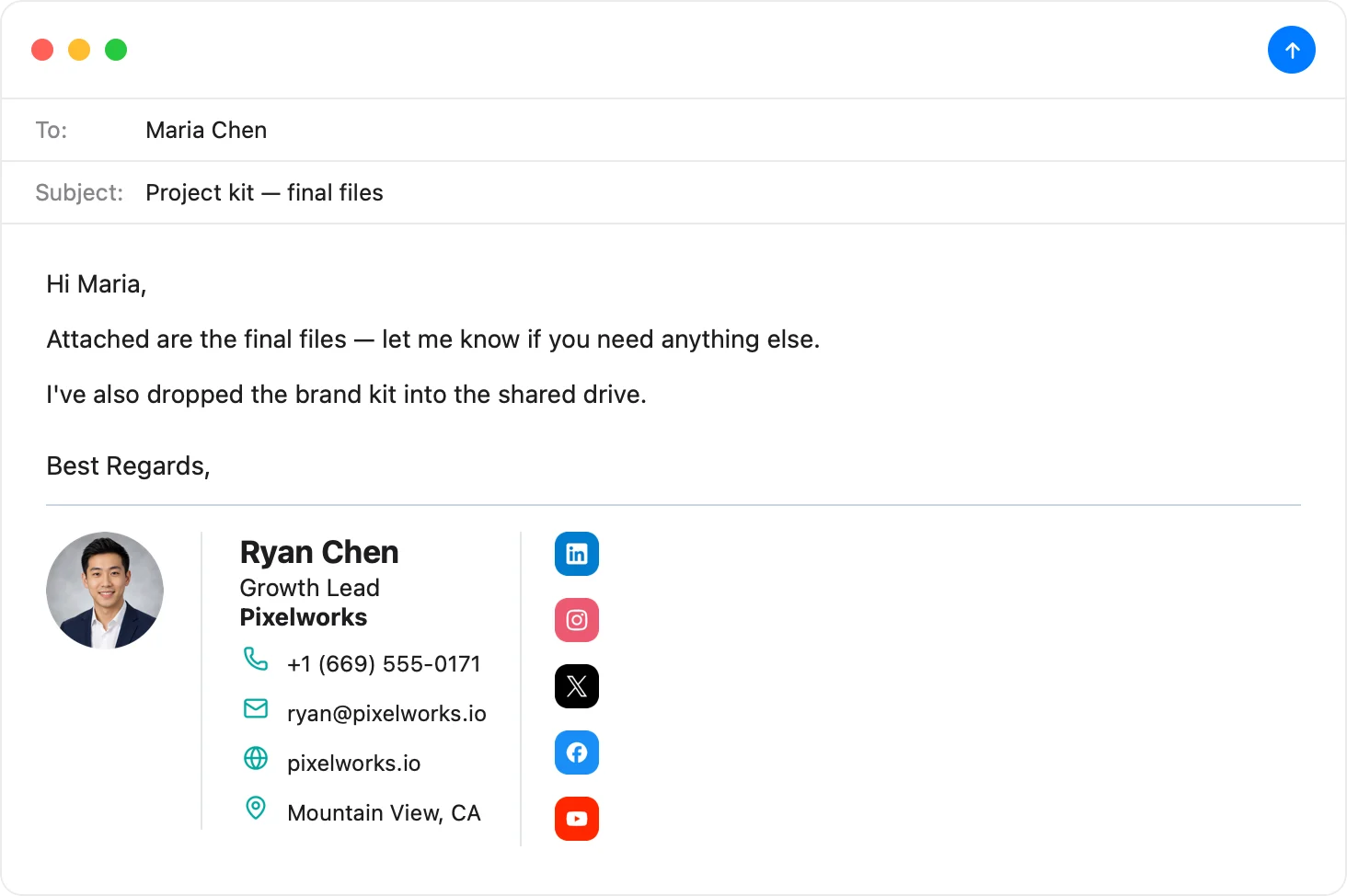
Look established in five minutes
Headshot, positioning line, booking button — pick a template, make it yours, and Autograph installs it into Apple Mail and your iPhone. No HTML, no subscription.
Download Autograph free See the templatesCommon questions
What should a consultant put in an email signature?
Name, a specific positioning line (what you do and for whom), a headshot, one credibility marker, tappable contact details, and a single booking-link CTA. Skip the wall of certifications — one proof point beats five.
Should I use my personal brand or a company name?
For solo consultants, lead with your name and face; a company name can sit as a secondary line. Prospects hire people, not LLCs — the personal brand converts better.
What's the best call to action?
A booking link (“Book a 20-min call”). It turns an interested reply directly into a scheduled conversation, which is the whole game in consulting.
The Apple Mail Signature Fix Kit
A free checklist: why Apple Mail signatures vanish after macOS updates, the iCloud sync gotcha that wipes them, and how to make your images render in Gmail and Outlook. Straight to your inbox.