
The Photographer's Email Signature: Show the Work, Book the Shoot
For a photographer, every email is a portfolio touchpoint. Your signature should send people to your work and make booking effortless — while your own images actually render instead of arriving broken. Here's how.
Step by step
Point to the portfolio first
Your website or portfolio link is the most valuable element — that's where the booking decision happens. Make it prominent and clickable, not buried.
Lead people to Instagram (where photographers live)
For most photographers Instagram is the real portfolio. Add a branded, correctly-colored Instagram icon linked to your handle, alongside your other socials — Autograph has 3,000+ icons in your brand colors.
Use a logo or wordmark, tastefully
A clean logo or wordmark reinforces the brand; keep it small and let your work do the talking. Export with transparency so it survives dark mode (dark-mode guide).
Or skip the manual setup
Autograph designs the signature on your Mac and installs it into Apple Mail in one click — images hosted at permanent URLs, assigned to the right account, and re-applied automatically when a macOS update or iCloud sync wipes it.
Download freeUnlock Pro — one-time, no subscriptionAdd a booking CTA
“Check availability” or “Book a session” linking to your inquiry form or calendar. Wedding and portrait clients book on impulse — make it one tap.
Make sure YOUR images don't break
The irony of a photographer's signature arriving with a broken image is brutal. Autograph hosts images and bakes them email-safe, so your logo and headshot render in Gmail and Outlook (why images break).
Install into Apple Mail in one click
Pick a visual template, add your wordmark, portfolio link, socials, and CTA, then Install in Apple Mail — the signature is written in and assigned to your account automatically.
Set up your iPhone
You reply to inquiries on the go. Autograph's QR flow puts the same signature on your iPhone with images intact (iPhone setup).
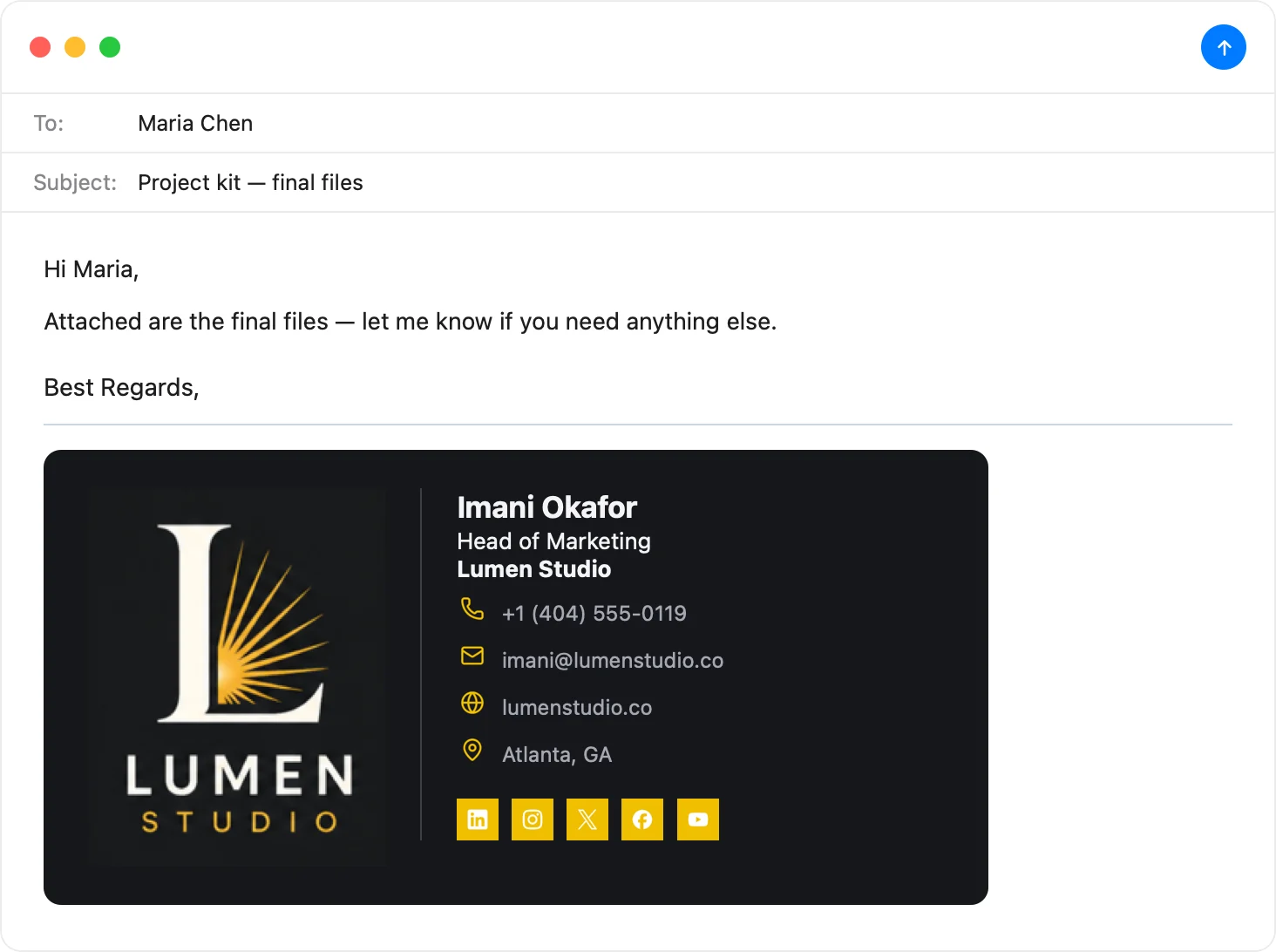
A signature as polished as your work
Wordmark, portfolio link, Instagram, booking CTA — with images that actually render. Pick a template, make it yours, and install it into Apple Mail in one click.
Download Autograph free See the templatesCommon questions
Should a photographer put sample photos in the email signature?
Usually no — multiple images bloat every email and often break in recipients' clients. Instead, link to your portfolio and Instagram, and keep one small branded logo. Let the click, not the signature, show the work.
How do I keep my logo from breaking in emails?
Use a hosted, email-safe image with a transparent background — which is exactly what Autograph produces. Dragging an image into Apple Mail's settings box turns it into an attachment that many recipients see broken.
What links matter most for photographers?
Portfolio/website and Instagram first, then a booking link. Those three carry almost all the value for turning an email into an inquiry.
The Apple Mail Signature Fix Kit
A free checklist: why Apple Mail signatures vanish after macOS updates, the iCloud sync gotcha that wipes them, and how to make your images render in Gmail and Outlook. Straight to your inbox.