
The Realtor's Email Signature: Compliant, Clickable, and Installed in Apple Mail
In real estate, your email signature is a business card, a compliance document, and a lead-capture tool at once — and you send it hundreds of times a week. Here's what belongs in it and how to get it into Apple Mail (and your iPhone) properly.
Step by step
Start with the compliance layer
Most states require your license number and brokerage name on advertising — which email routinely counts as. Common additions: brokerage address and team name. Check your state board's advertising rules (e.g. California's DRE requires license numbers on solicitation materials); when in doubt, include it.
Add the face
Real estate is a face business — signatures with a professional headshot get remembered. Use a proper crop (head and shoulders, clean background); Autograph's crop editor bakes it into a crisp circle that renders even in Outlook.
Make every contact method tappable
Phone as a tel: link (mobile clients make it tap-to-call), email as mailto:, website and social icons linked. Most of your clients read email on phones.
Or skip the manual setup
Autograph designs the signature on your Mac and installs it into Apple Mail in one click — images hosted at permanent URLs, assigned to the right account, and re-applied automatically when a macOS update or iCloud sync wipes it.
Download freeUnlock Pro — one-time, no subscriptionAdd ONE call to action
The highest-value pixel in the signature: a button. “Schedule a showing,” “Get your home's value,” or your Calendly link. One CTA outperforms three — pick the current priority.
Install it right on the Mac
Use a call-to-action template, drop in the headshot, logo, license line, and CTA link, and click Install in Apple Mail. Manual routes exist (guide) but are fragile.
Put the SAME signature on your iPhone
You answer most leads from the phone — that's where the signature matters most. Autograph's Set up iPhone QR flow installs the identical signature with images that survive (how it works).
Test with a buyer's eyes
Send a test to Gmail: headshot crisp, phone number tappable, CTA button working, license number present. That's the signature that closes.
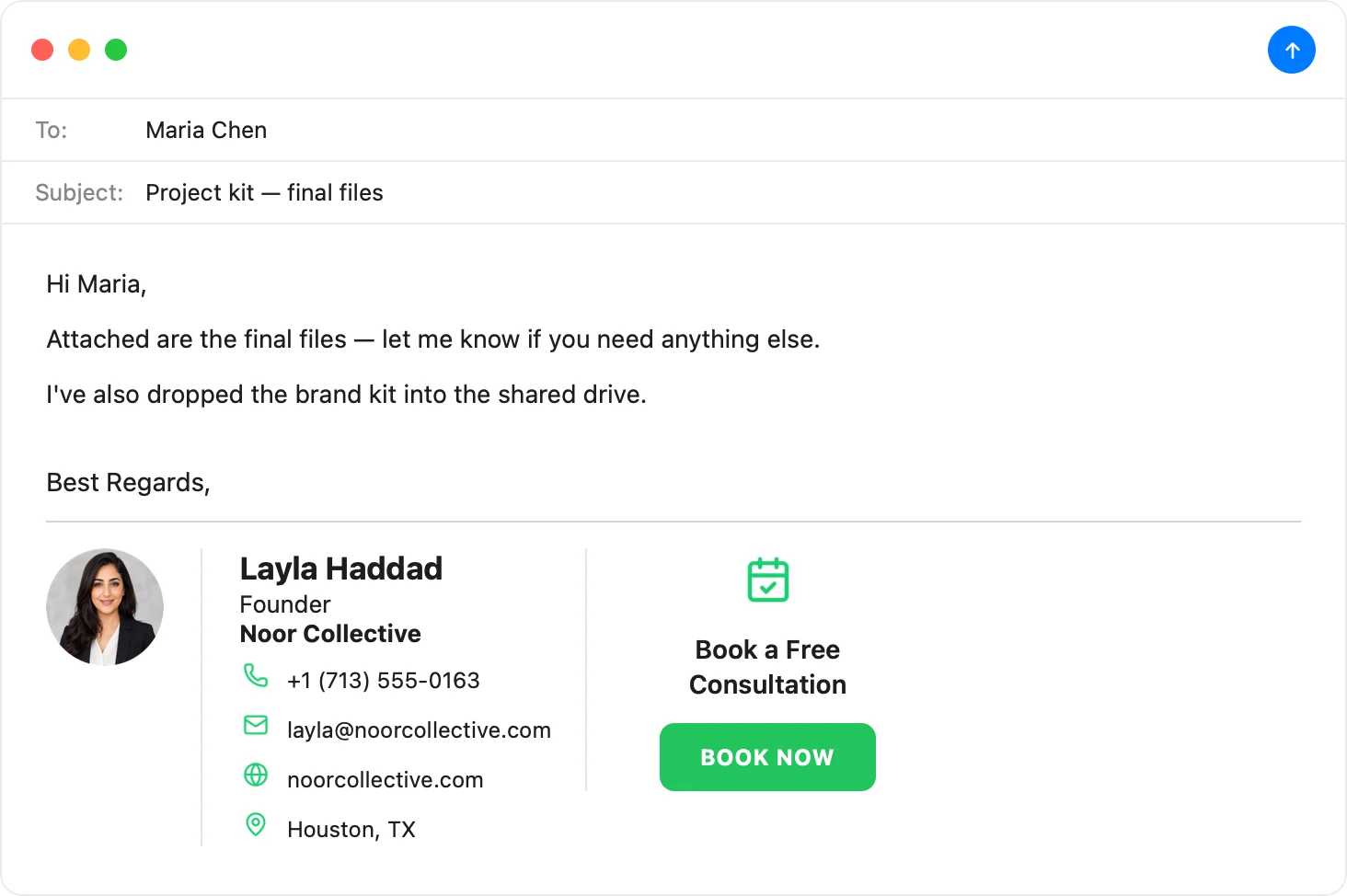
The realtor signature, done in five minutes
Headshot, license line, tap-to-call, booking button — pick the Call to Action template, make it yours, and it's in Apple Mail and on your iPhone before your next showing.
Download Autograph free See the templatesCommon questions
Do I legally need my license number in my email signature?
In many U.S. states, yes — email used for business is advertising, and advertising rules require license identification. Rules vary by state and board; your brokerage's compliance officer will know your exact requirements.
Should I include my brokerage's logo or my own branding?
Usually both: your headshot + name prominent, brokerage name/logo present (often required). Check your independent-contractor agreement — some brokerages have signature standards.
What's the best CTA for a realtor?
Whatever you currently need most: sellers → “What's your home worth?”; buyers → “Schedule a showing”; general → your booking link. Change it seasonally — it's one click to update and reinstall.
The Apple Mail Signature Fix Kit
A free checklist: why Apple Mail signatures vanish after macOS updates, the iCloud sync gotcha that wipes them, and how to make your images render in Gmail and Outlook. Straight to your inbox.