
The Financial Advisor's Email Signature: Credentials, Compliance, and Trust
In financial services your email signature carries real compliance weight, not just branding. It has to project trust, show credentials, and often carry a disclosure — while staying clean. Here's how to build one that satisfies both your compliance officer and your prospects.
First, the disclaimer about disclaimers: compliance rules (FINRA, SEC, and your firm's own policy) vary by role, registration, and jurisdiction. Nothing here is legal or compliance advice — always run your signature past your firm's compliance team before using it.
Step by step
Lead with name, title, and credentials
Your designations do a lot of trust-work: “Jane Doe, CFP®, ChFC®.” Use the marks correctly (CFP Board requires the ® on CFP®). Add your title and firm name.
Include the required firm identifiers
Registered reps and IARs typically need the firm name and often a Broker-Dealer / RIA affiliation line (e.g. “Securities offered through [BD], Member FINRA/SIPC”). Your compliance team will tell you the exact wording — include what they mandate.
Add the compliance disclosure
Many firms require a disclosure or confidentiality statement in every email. Put it as a smaller, muted line at the bottom of the signature — present and legible, without overwhelming the design.
Or skip the manual setup
Autograph designs the signature on your Mac and installs it into Apple Mail in one click — images hosted at permanent URLs, assigned to the right account, and re-applied automatically when a macOS update or iCloud sync wipes it.
Download freeUnlock Pro — one-time, no subscriptionKeep the design conservative
Financial services trust reads as clean and understated: a restrained color, a professional headshot or firm logo, no loud banners. A classic business layout fits better than a flashy one.
Make contact and scheduling easy
Phone as tel:, a scheduling link if your firm allows it, and your firm website. Keep social links to compliant, professional ones (usually LinkedIn only — check policy).
Install it into Apple Mail in one click
Pick a classic template, add credentials, firm identifiers, the disclosure line, and headshot or logo, then Install in Apple Mail — no fragile HTML pasting (manual method if you must).
Get compliance sign-off, then roll it out
Send a test to yourself, confirm the disclosure renders in Gmail and Outlook, get written sign-off, and install the same signature on your iPhone (iPhone setup).
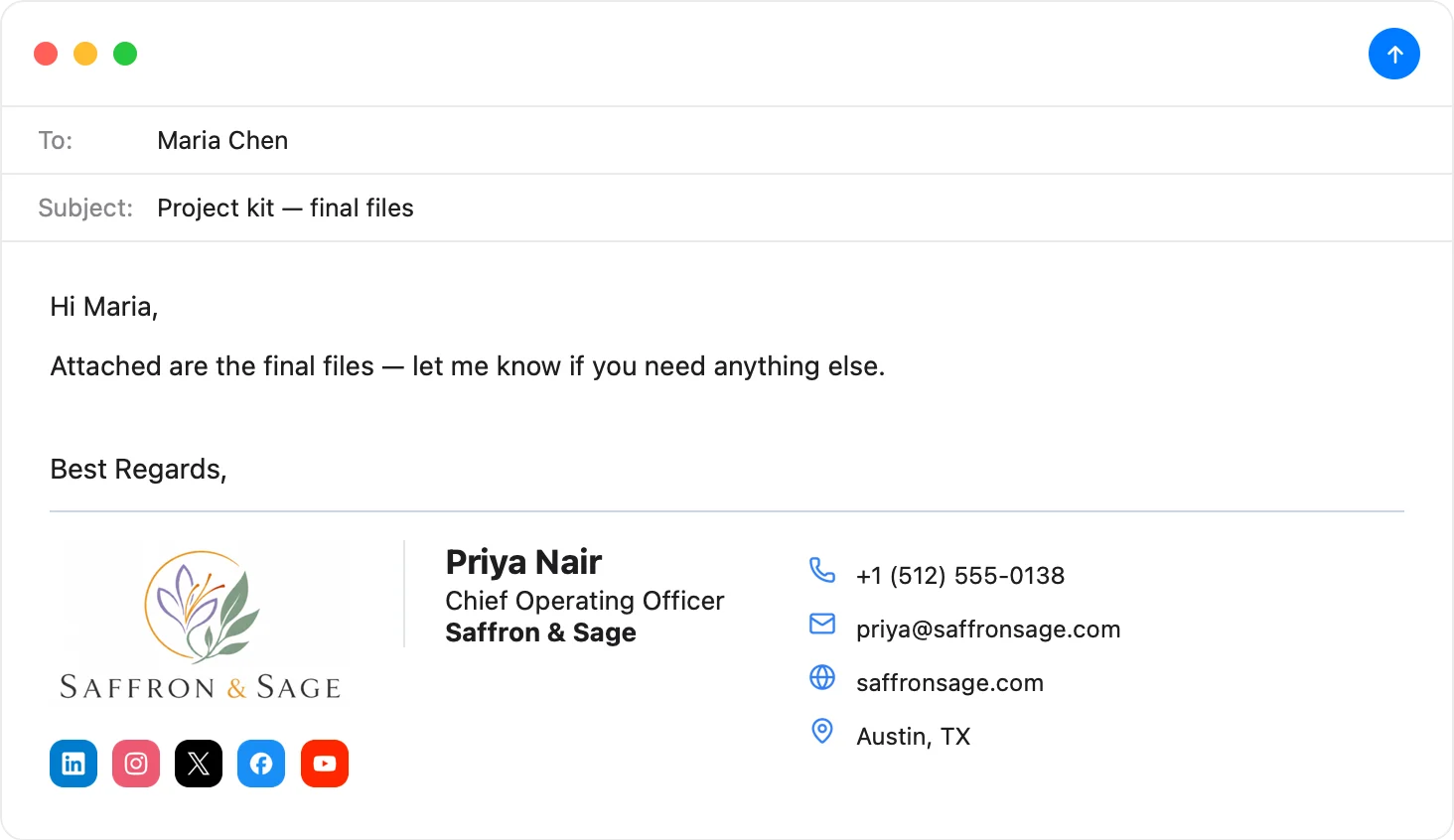
Compliant and polished, without the hassle
Credentials, firm line, a tidy disclosure, and a conservative layout — build it in Autograph, get compliance sign-off, and install it into Apple Mail in one click.
Download Autograph free See the templatesCommon questions
Does my financial advisor email signature legally need a disclosure?
Often yes — many broker-dealers and RIAs require a standardized disclosure or confidentiality notice on all business email, per FINRA/SEC communication rules and firm policy. The exact requirement is set by your firm's compliance team; always confirm with them.
How do I include a long disclosure without ruining the design?
Set it as a smaller, muted line beneath your contact details — legible but visually secondary. Autograph lets you style that line's font and size independently so it stays compliant without dominating the signature.
Can I use my CFP® or other designation marks?
Yes, if you hold them and use them per the issuing body's rules (the CFP Board, for example, requires the registered-trademark symbol and specific usage). Your compliance team can confirm correct presentation.
The Apple Mail Signature Fix Kit
A free checklist: why Apple Mail signatures vanish after macOS updates, the iCloud sync gotcha that wipes them, and how to make your images render in Gmail and Outlook. Straight to your inbox.